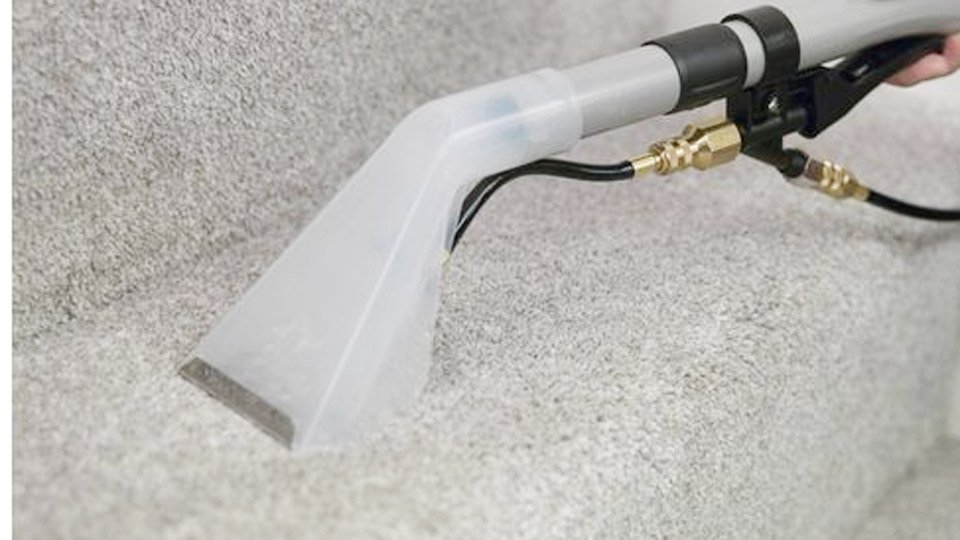
I can’t tell you how many times I’ve been in the middle of cleaning a carpet stain when my Shark carpet cleaner suddenly shuts off… again. One minute it’s running fine, and the next I’m standing there wondering if it overheated, clogged, or just gave up on me. If you’ve been dealing with the same stop-and-start frustration, trust me — you’re not alone.
I’ve gone through this enough times to know it’s not just annoying, it slows down the whole cleaning job and makes a simple task feel way harder than it should be. So let’s break down the real reasons your Shark cleaner keeps turning off — and the quick fixes that usually get it running smoothly again.
Image by tiktok
Most Common Reason #1: It’s Overheating (and Shark Built It That Way on Purpose)
Shark carpet cleaners have a thermal safety shut-off. When the motor gets too hot, the machine turns itself off to protect the pump and electronics. It’s actually a smart feature, but it drives everyone crazy when it trips too early.
What usually causes the overheating:
- You’re running it continuously for more than 10–15 minutes without a break.
- The dirty water tank is full (airflow gets blocked and the motor works harder).
- The foam filter or HEPA filter is clogged solid with pet hair and dust.
- You’re using it in a very hot room (above 90 °F).
Quick fix while you’re in the middle of cleaning: Unplug it, empty the dirty tank, rinse the foam filter under the sink, and let the machine sit for 20–30 minutes. Nine times out of ten it will start right back up.
Reason #2: Clogged Filters Are Suffocating Your Machine
I learned this the hard way when my Shark Navigator cleaner started shutting off every two minutes. I thought the motor was dying. Turns out both filters were so packed with golden retriever hair they looked like felt. The motor has to pull harder to get air, overheats, and bam—shut down.
What to check:
- Pop off the dirty water tank.
- Pull out the round foam filter and the rectangular HEPA filter (exact location depends on your model—HydroVac, StainStriker, etc.).
- If you can’t see light through them when you hold them up, they’re clogged.
Pro move: I keep two sets of filters now. One set in the machine, one set clean and dry on the shelf. Swap them every big clean and toss the dirty ones in the washing machine (foam filter only—HEPA is usually hand-wash or replace).
Reason #3: The Float in the Dirty Tank Is Stuck (Super Common)
Inside every Shark dirty water tank there’s a little red or yellow float that rises when the tank fills. When it hits the top, it triggers a sensor that shuts the suction off so you don’t overflow nasty water into the motor.
If that float gets gunked up with slime, hair, or dried detergent, it sticks in the “up” position even when the tank is half empty. Result? Your cleaner thinks it’s full and shuts off.
Fix in 60 seconds: Empty the tank, rinse it thoroughly, and use an old toothbrush to clean around the float. Move it up and down a few times to make sure it slides freely.
Reason #4: You’re Using the Wrong Cleaning Solution (or Too Much)
I once borrowed my sister’s Shark and it kept shutting off. Turns out she was pouring full-strength Fabulosa straight into the clean tank. Too many suds = foam climbs into places it shouldn’t = machine thinks the tank is overflowing = shut-off.
Stick to Shark’s own solution, Bissell Little Green formula, or just plain hot water if you want to go cheap. And always use the measuring cap—never eyeball it.
Reason #5: Power Cord or Outlet Issues (the One Nobody Thinks Of)
I spent an embarrassing 45 minutes taking my Shark apart before I realized I had it plugged into the same circuit as the air conditioner. Every time the AC kicked on, voltage dropped just enough to make the cleaner cut out.
Try a different outlet—preferably on a different breaker—and wiggle the cord where it enters the machine. If the cord is frayed or the plug is loose, that’s your culprit.
Less Common But Still Happens: Faulty Pump or Sensor
If you’ve checked everything above and it still shuts off after 10–20 seconds even when stone cold, the pump or thermal sensor might be failing. At that point, call Shark. Their warranty support is actually pretty decent, and most models have a 1–5 year warranty depending on where you bought it.
Step-by-Step Troubleshooting Checklist (Print This and Stick It on the Fridge)
- Unplug the machine and let it cool 30 minutes.
- Empty and rinse dirty tank + clean the float.
- Remove, rinse, and dry both filters.
- Check you’re using the correct amount of approved solution.
- Plug into a different outlet (no extension cord).
- Try again in short 5-minute bursts.
- Still shutting off? Contact Shark with your model and serial number.
How I Keep My Own Shark Running Like New (After 4 Years of Heavy Use)
- I deep clean the entire machine after every third use: tanks, hose, brush roll, filters—everything gets a hot water rinse.
- I vacuum the area first with my regular upright so the Shark isn’t sucking up huge chunks of debris.
- I never store it with water in the tanks (mold city).
- Once a year I run a cup of white vinegar through it to descale the pump.
Do those four things and your Shark will probably outlive the carpet.
When It’s Time to Replace Instead of Repair
If your machine is 5+ years old, the pump is making grinding noises, or you’re replacing filters every month, it might be cheaper to upgrade. The new Shark StainStriker series is ridiculously good—lighter, stronger suction, and the dual tanks mean no more shut-offs from the float issue.
Bottom line: 95% of the time your Shark carpet cleaner keeps turning off, it’s trying to protect itself from something you can fix in under ten minutes. I’ve rescued so many of these machines from the curb because neighbors thought they were broken. Now you know better too.
Final pro tip from someone who’s spilled red wine, baby puke, and mud across three states: Keep a spare foam filter in your cleaning closet. When your machine suddenly “dies” mid-job, nine times out of ten that filter swap brings it right back to life and saves your Saturday.
FAQ
Why does my Shark carpet cleaner turn off after a few seconds?
Usually overheating from clogged filters or a stuck float in the dirty tank. Unplug it, clean both filters and the float, let it rest 20 minutes, and it almost always starts again.
Is it normal for a Shark carpet cleaner to shut off when the tank is full?
Yes—that’s a safety feature. Empty the dirty tank as soon as the “full” light comes on or suction stops.
Can I bypass the auto shut-off on my Shark?
Nope, and please don’t try. The thermal cut-out is there to keep the motor from burning up. Fix the root cause instead.
How often should I clean the filters on my Shark carpet cleaner?
Rinse the foam filter after every use and let it air dry completely. Replace or deep-clean the HEPA filter every 3–6 months depending on how much pet hair you have.
Will using generic cleaning solution make my Shark shut off?
Sometimes. Too many suds can trigger the foam sensor and cause shut-off. Stick to low-foaming formulas made for carpet cleaners.